

App
Your school on the student's phone.
Today every student installs the Academy app straight from the browser. Soon it reaches the app stores. And your school can have an app with its own name, icon and color.
- Installs without a store
- Coming soon to the stores
- App with your brand: add-on module
Available today
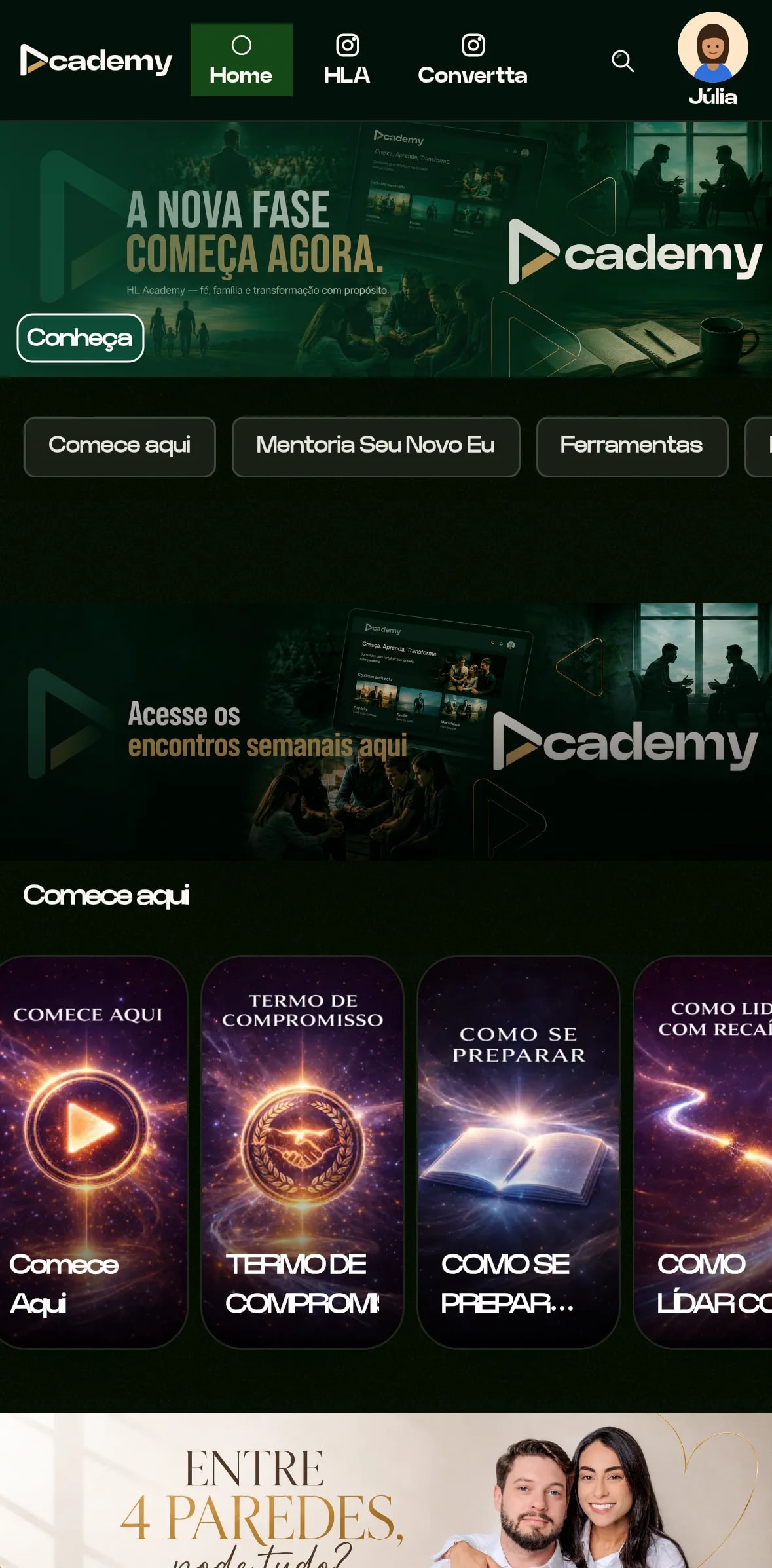
Installable app for every student
Students install the Global Account straight from the browser. No store, no cost and no waiting for approval. They sign in once and reach every school they study at.
- A library with every course they bought, from any school
- Purchases and wallet in the same place
- Browser notifications (Web Push), when the student allows them
- Full screen, home screen icon and direct sign-in
- Updates itself
How to install
1iPhone
In Safari, tap Share and choose “Add to Home Screen”.
2Android
In Chrome, tap the ⋮ menu and choose “Install app”.
3Computer
In Chrome or Edge, click the install icon in the address bar.
The step by step is also in the App tab of the Global Account, with a QR code to open it on the phone.
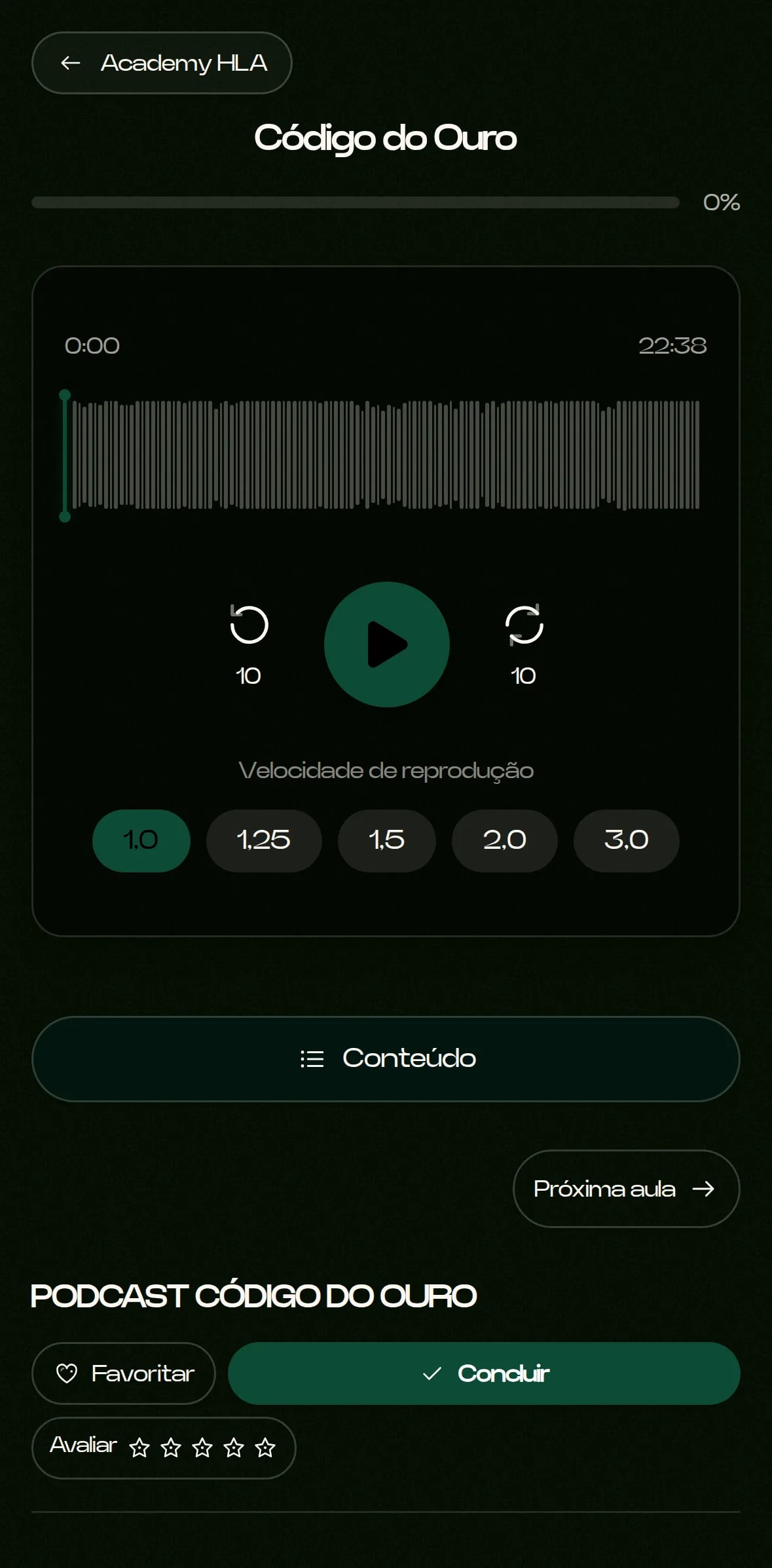
Academy global app
Coming soon to the App Store and Google Play
The Academy global app opens the Global Account and lets students enter any school without leaving the app.
Until then, the installable app stays available. The badges above get a link as soon as each store releases it.
Add-on module
App with your brand
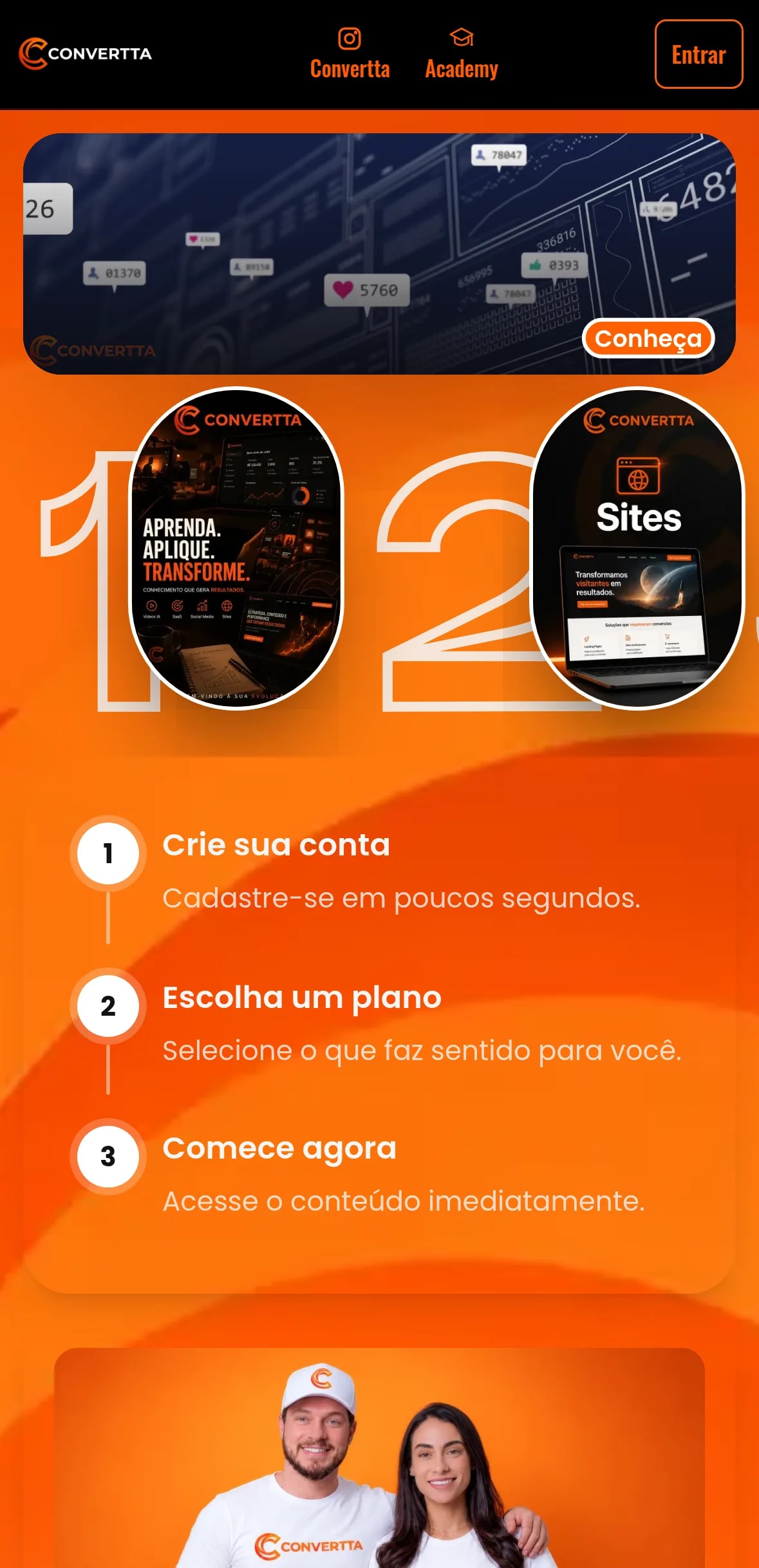
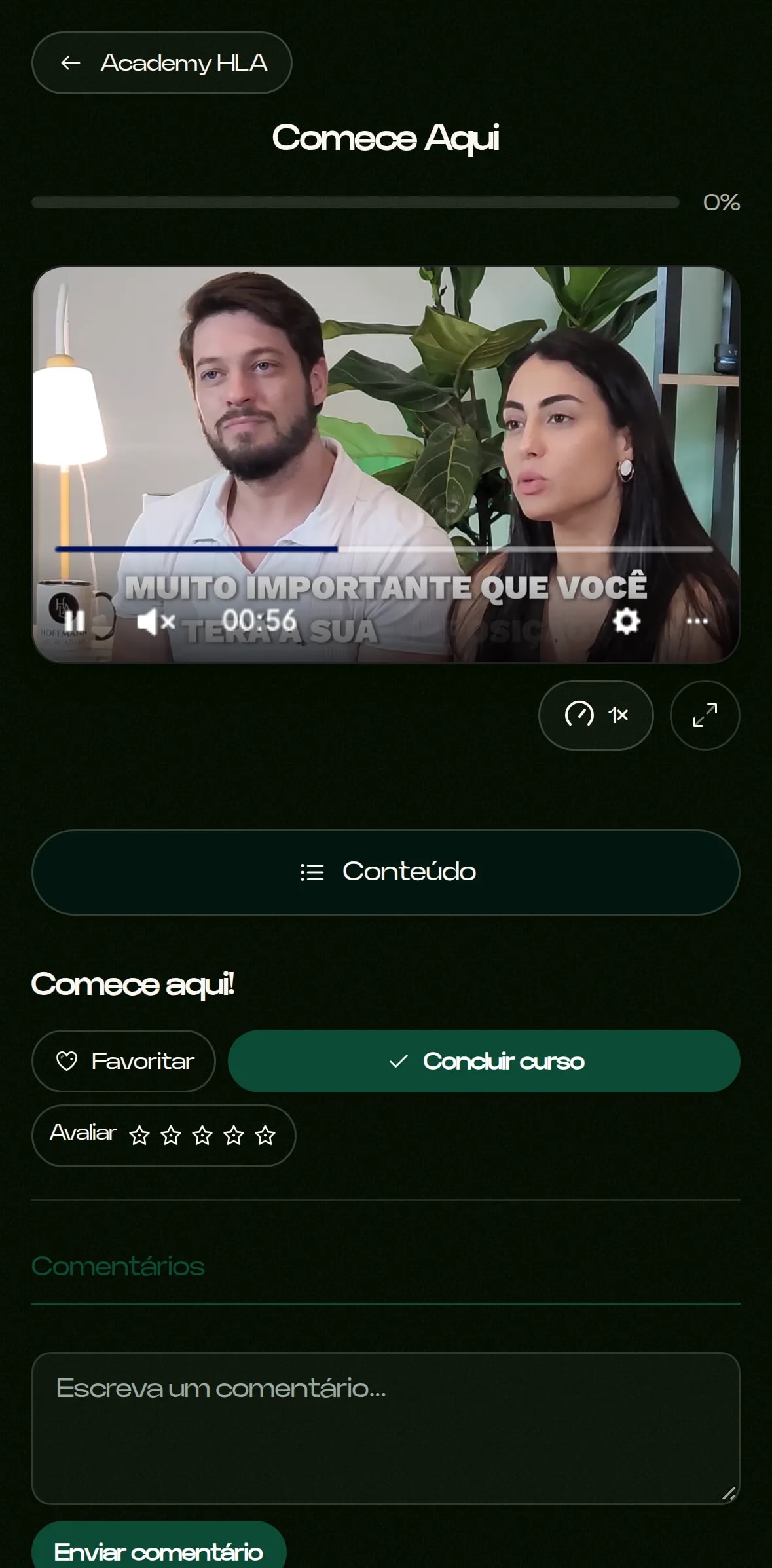
Your school in the stores with your name, your icon and your launch color. Students download your branded app and go straight to your members area.
What is included
- Your school's app name and icon
- Launch color and app bar color
- Opens your members area, on your domain
- Build, store submission and updates handled by our team
- You adjust name, icon and color in the panel, under App
How much it costs
R$497/month
Billed separately from the plan. Minimum contract of 12 months: 12 monthly payments of R$497 (R$5,964 in total), charged month by month, with no upfront payment.
See the price next to the other modulesWhat you need to have
- A members area published on Academy
- A developer account with Apple and Google, in the school's name. The fees for those accounts are charged by the stores and are on you
- The app name and a 1024×1024 PNG icon
- Being the account owner: only the owner can sign up for the module
How it works
- 1You request the app under App, in the school panel.
- 2You fill in name, icon and launch color.
- 3Our team builds the app and submits it to the stores.
- 4Apple and Google review it. The approval time is theirs.
No fluff
What the app does not do yet
No purchases inside the app
In the store apps, students see only what they already have. Showcase, prices and checkout stay out, following Apple and Google rules. To buy, they use the browser.
No native notifications yet
The store app does not receive phone notifications yet. Today notices work as Web Push, in the browser and in the installable app, when the student allows them.
No offline lessons
The app needs internet to open lessons. Without a connection, students see a “No connection” screen.
Approval is not instant
Our team prepares and submits the app. Final approval belongs to Apple and Google, and the timing is theirs.
Questions about the app
The app, plainly.
Does the student need to download anything to study?
No. They can study in the browser or install the Global Account as an app, without going through a store.
Is the app already on the App Store and Google Play?
Coming soon. The badges in the global app section show the state of each store: faded with “Coming soon” until it is published, with a link afterwards.
Does the app with my brand come with the plan?
No. It is an add-on module, billed separately from the plan: R$497/month, with a minimum contract of 12 months.
Who publishes the app in the stores?
Our team builds the app, submits it to the stores and handles updates. The developer account must be in the school's name.
Can students buy inside the app?
No. Under Apple and Google rules, the store app shows only what the student already has. Buying happens in the browser.
Does the app send notifications?
The store app does not send native notifications yet. The app installed from the browser sends notices by Web Push, when the student allows them.
Can I cancel the app with my brand?
After the 12-month minimum contract, yes, whenever you want. Access continues until the end of the period already paid.
Start with your school.
Create the school on Start, which is free. Students can already install the Academy app and, whenever you want, the app with your brand comes in as a module.
Free Start, no card.