

Member area
Your school, Netflix-style.
Students log in, pick a program, and pick up where they left off — on your domain, under your brand.
- Custom domain
- Student progress
- Automatic enrollment
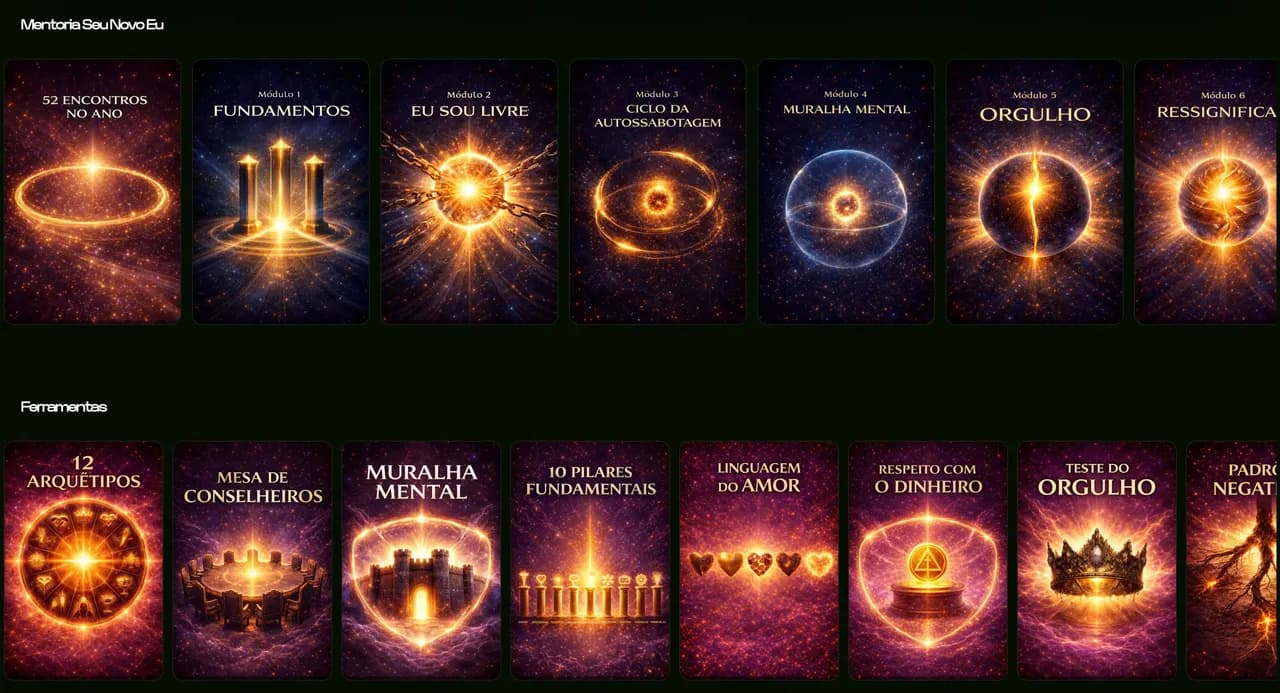
Visual editor
Edit the member area the way students see it.
In Edit Mode you work on the student's own screen: menu, banner, sections and appearance, and publish when you're ready.
- Top menu with items you create, rename and delete
- Banner, headline and button edited right on the page
- Preview on desktop, tablet and phone, in light and dark
- Undo and redo, and publish or unpublish the area
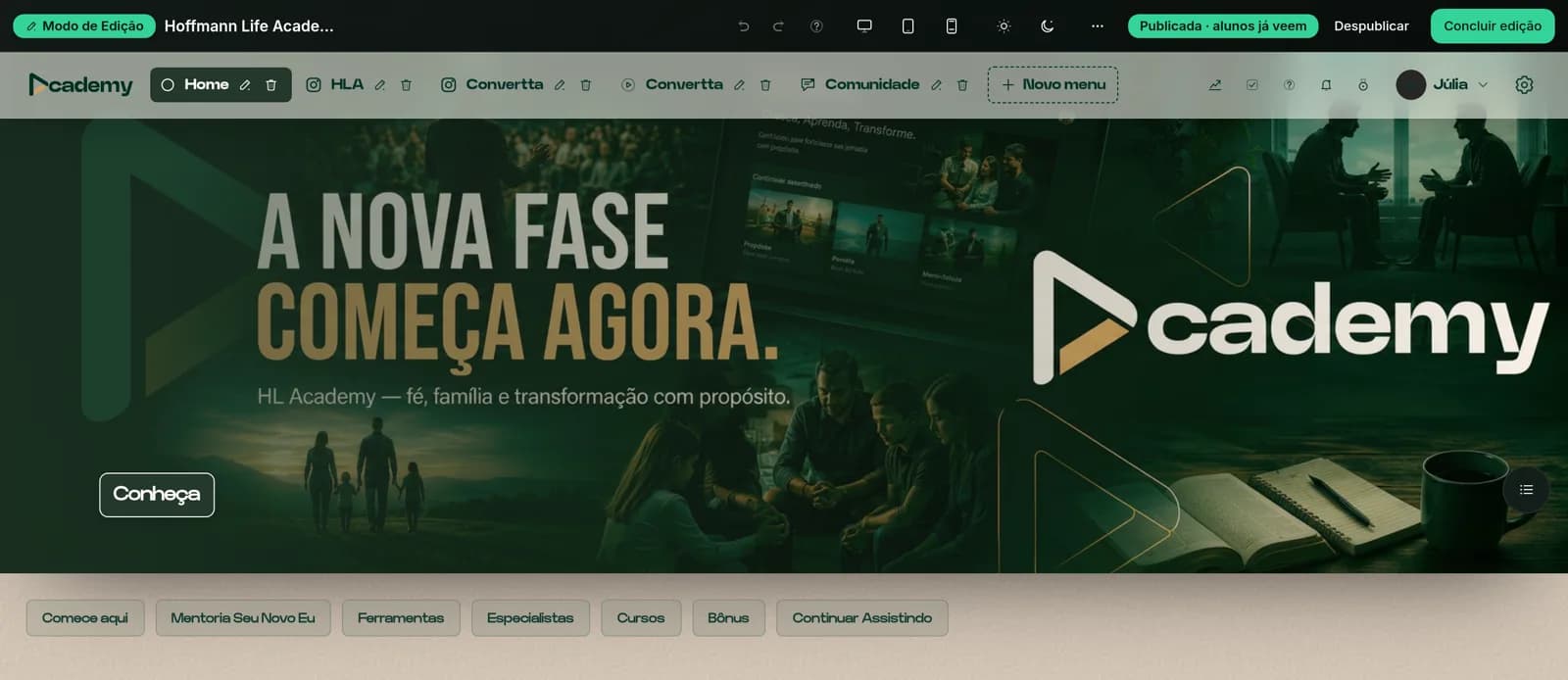
Appearance and navigation
Colors, menu and phone in one editor.
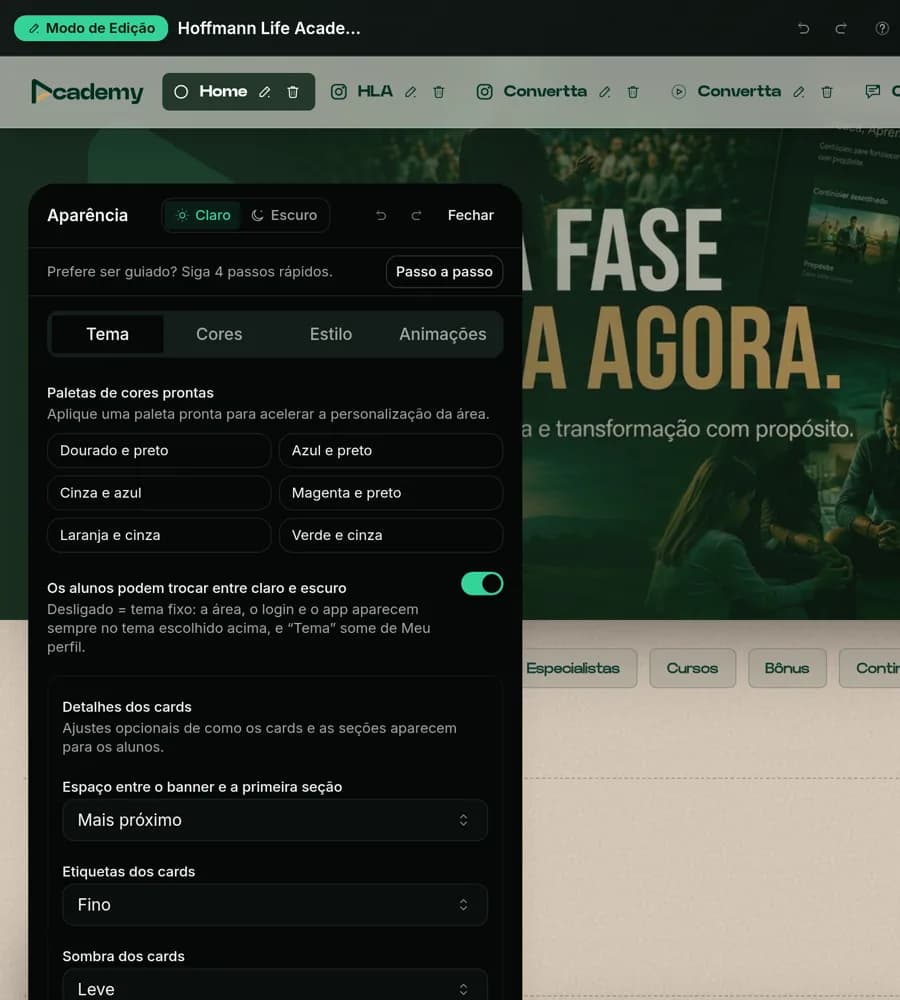
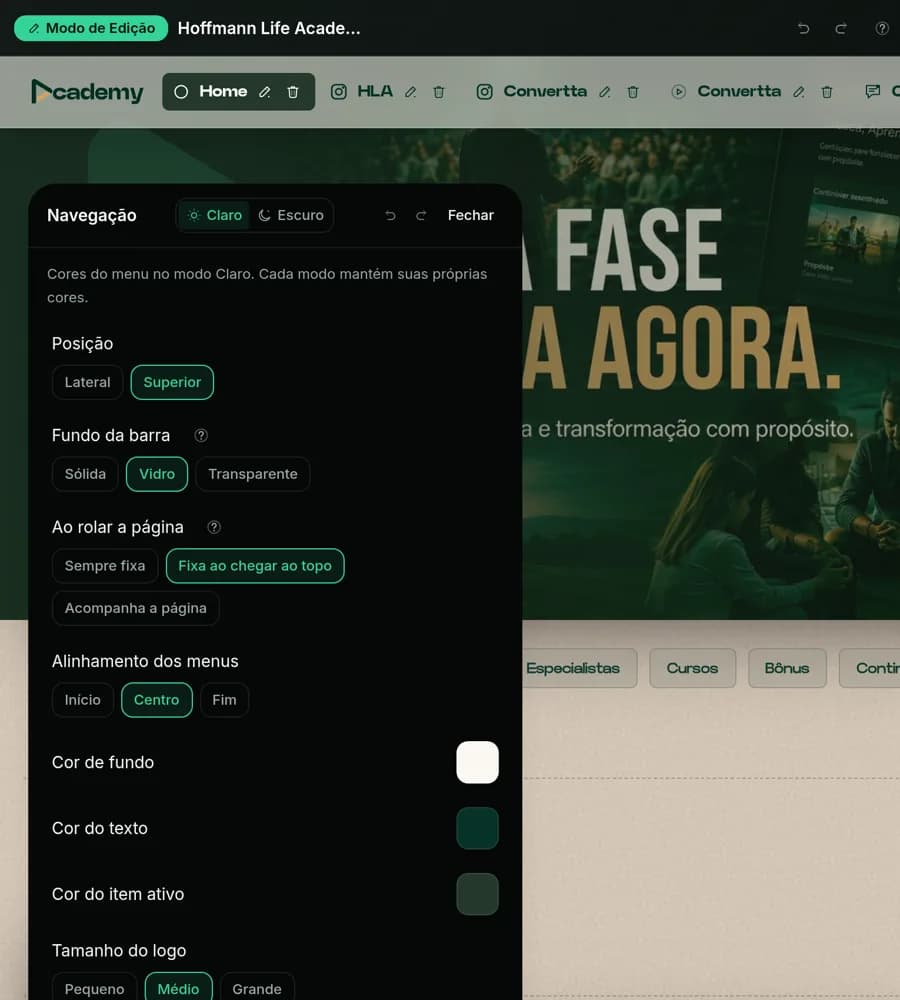
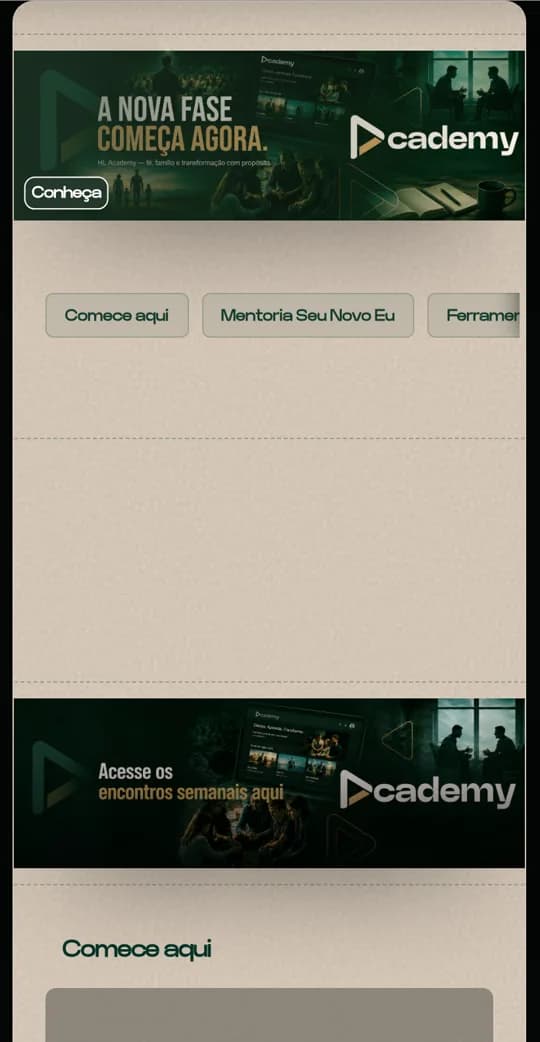
The editor panels change the area's theme, colors, style and animations, and the navigation bar. The phone preview shows the area the way students see it.
Appearance panel
Navigation panel
Phone preview
Area settings
Access, login and sales for each area.
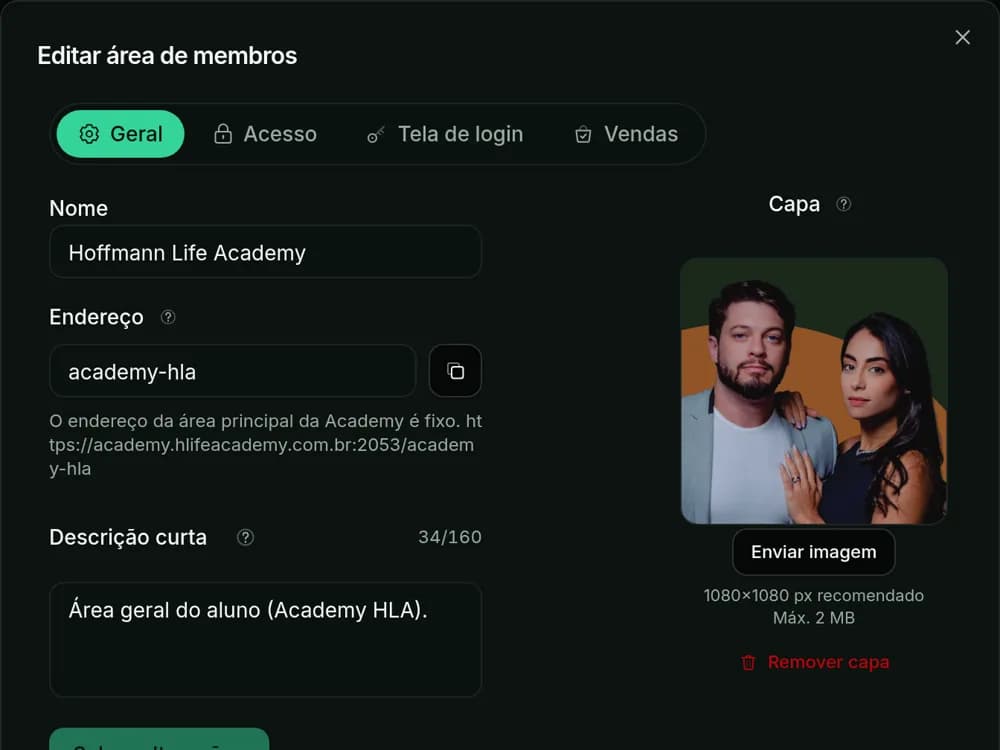
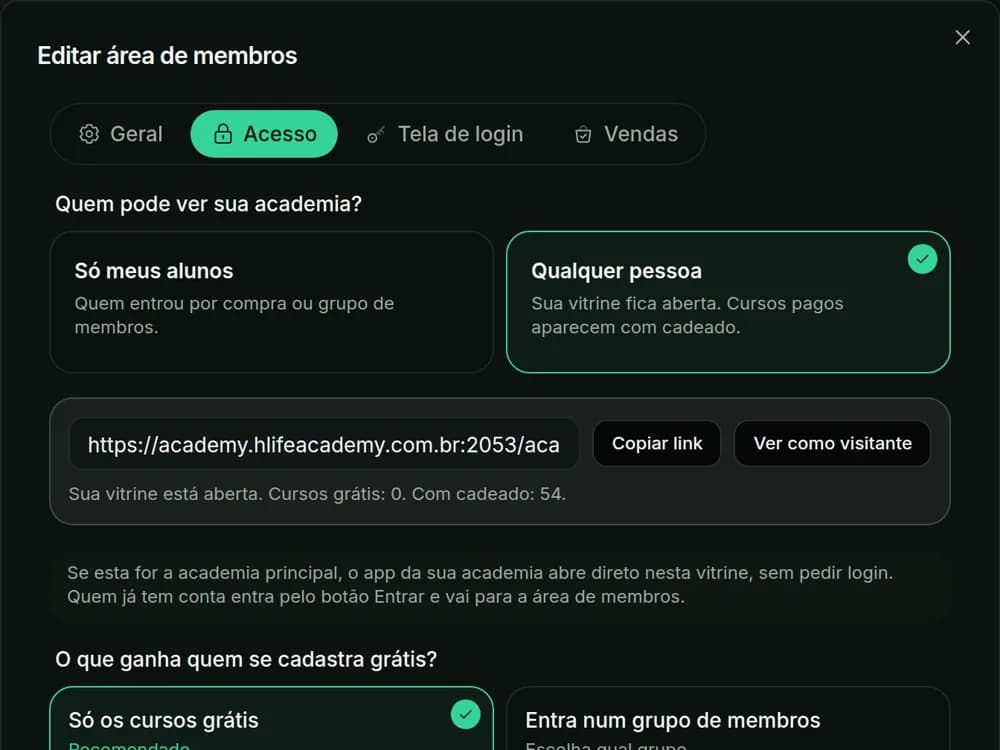
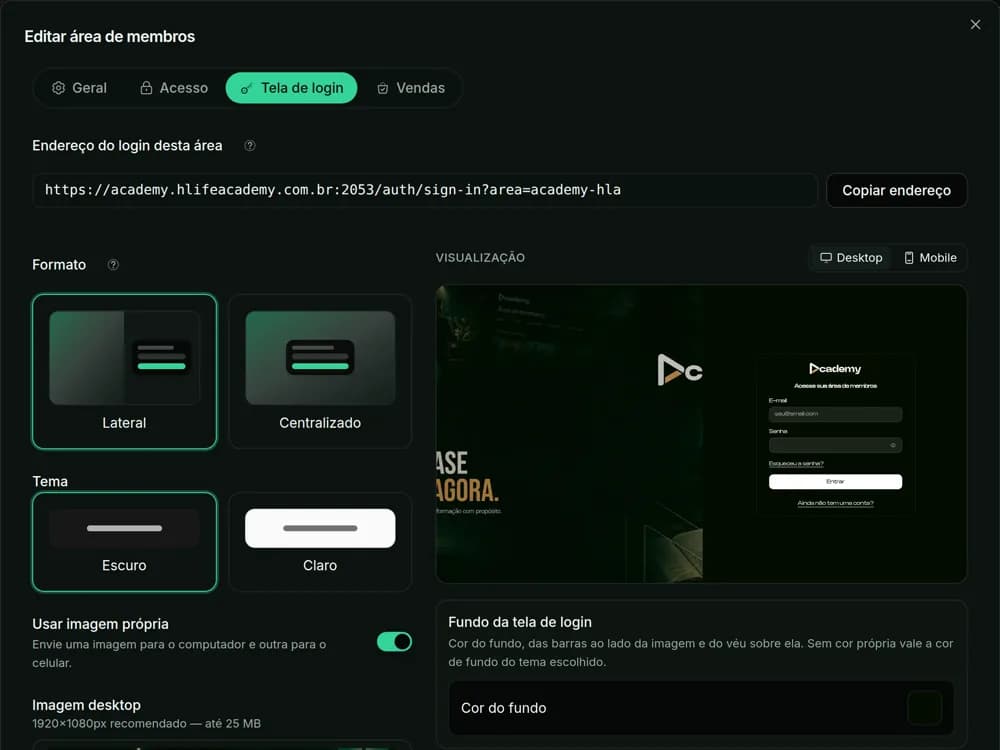
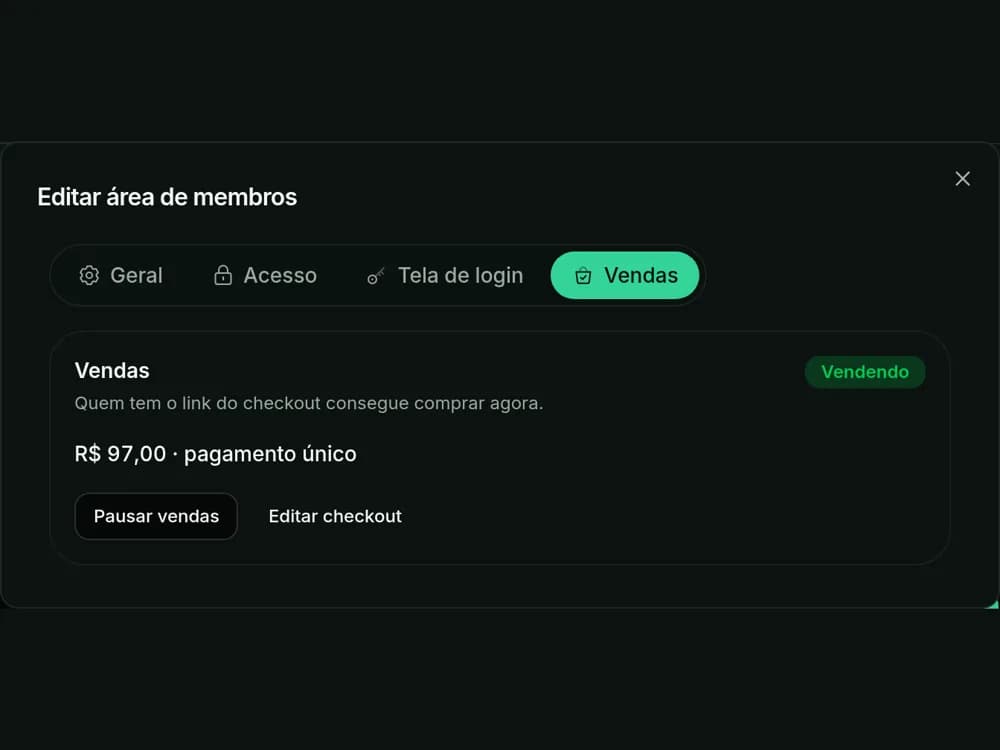
In Member Area you set the name and cover, who can see it, the login screen and whether the area is for sale, one area at a time.
General
Access
Login screen
Sales
Lesson list
Choose how lessons appear.
Each course has its own display mode. You switch it in the dashboard, and students see the new list right away, with the same lessons. The prints are from the same demo course.
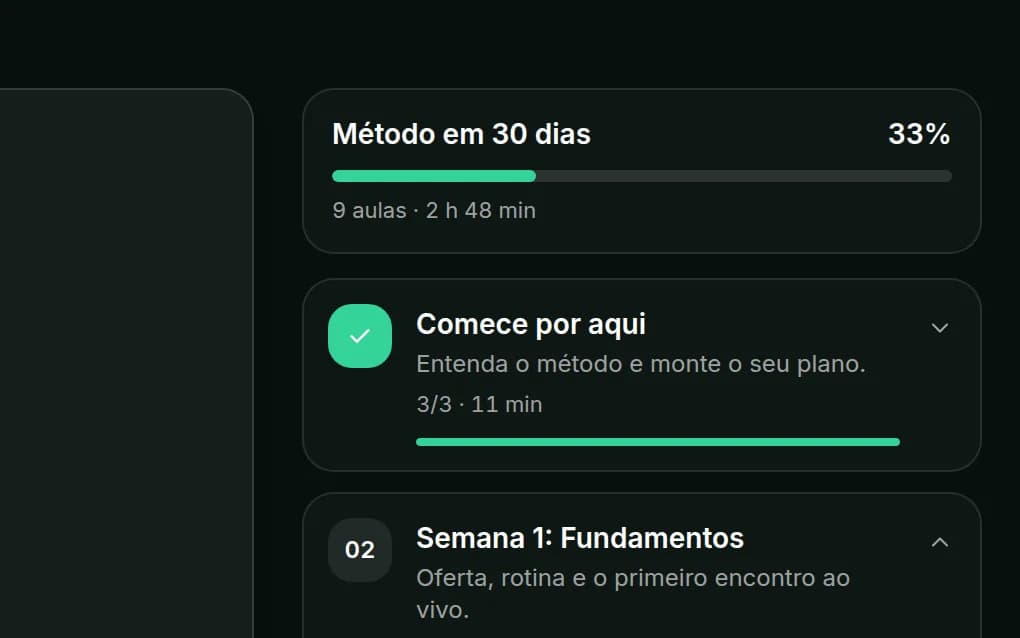
Classic
A simple list, like in the most common course apps.
Use it when the course is simple and you only want titles.
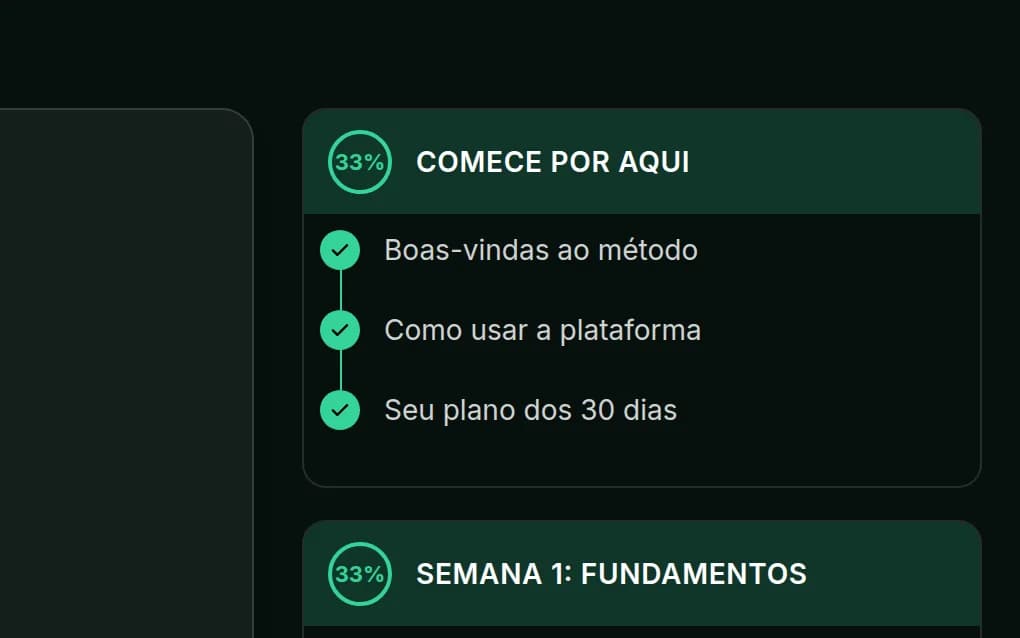
Academy
Default for new coursesModern: course progress, chapters and lessons with thumbnails.
Use it when you want the list next to the video, with covers and progress. It fits most courses.
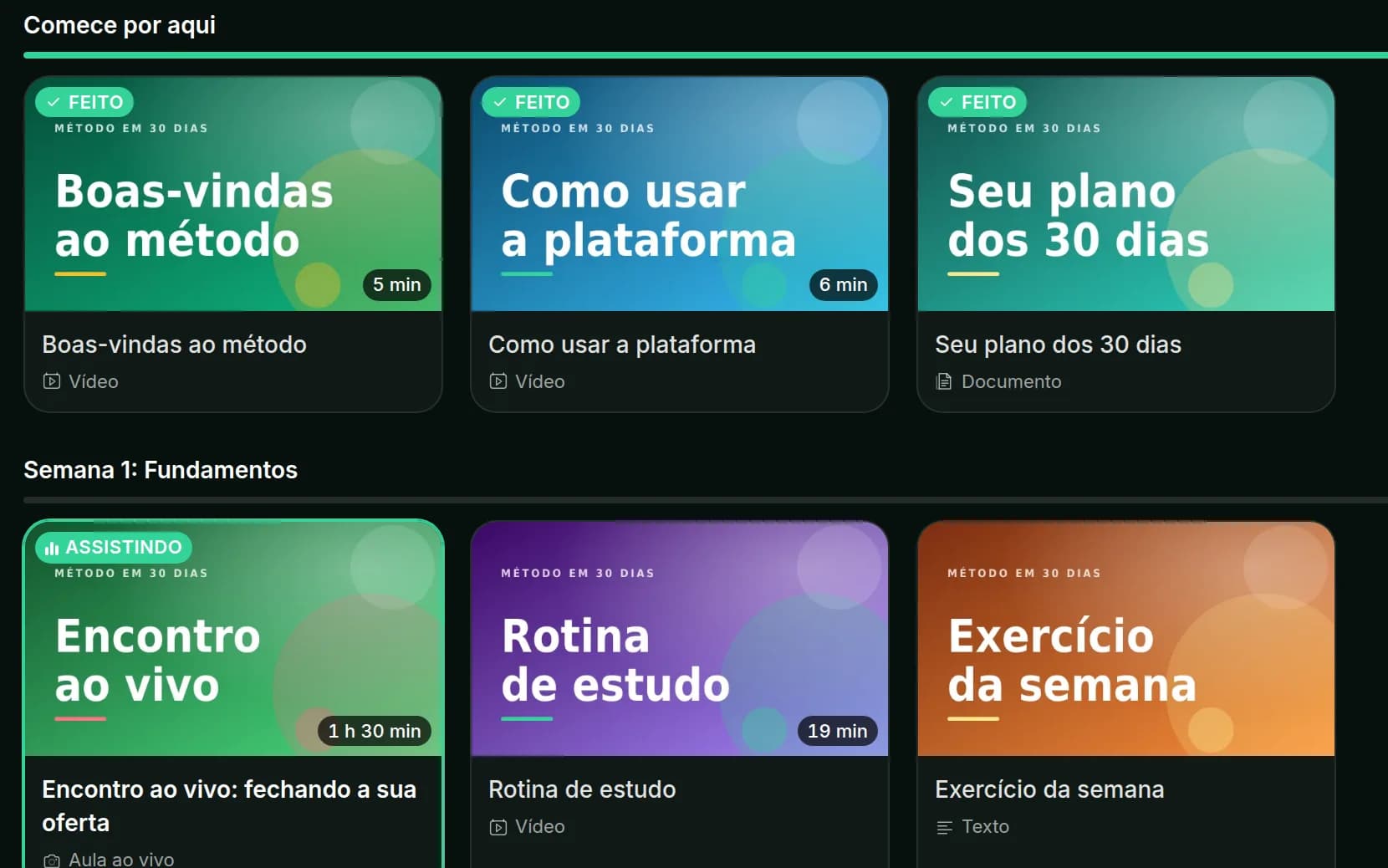
Cards
A grid of cards with a large cover, great below the video.
Use it when the lesson covers are strong and the list can sit below the video.
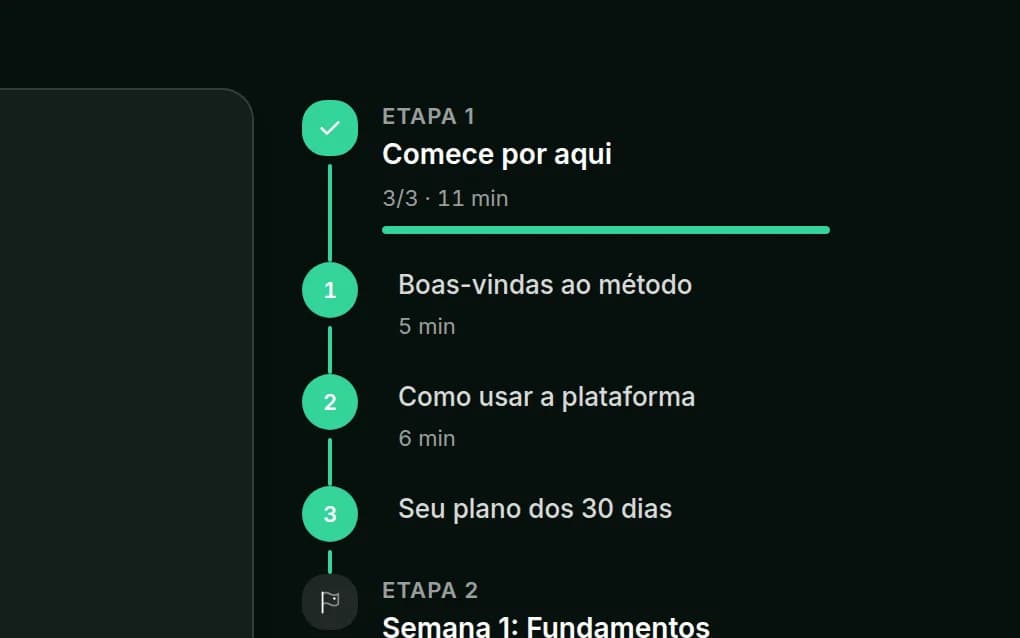
Trail
A journey in numbered steps joined by a line.
Use it when the method has stages and the order matters.
Fictional course Método em 30 dias · demo data
You adjust what each mode shows
- Module cover
- Lesson cover
- Description
- Duration
- Lesson type
- Numbering
- Module progress
- Locked lessons shown or hidden
- Collapsed modules
- List on the right, on the left or below the video
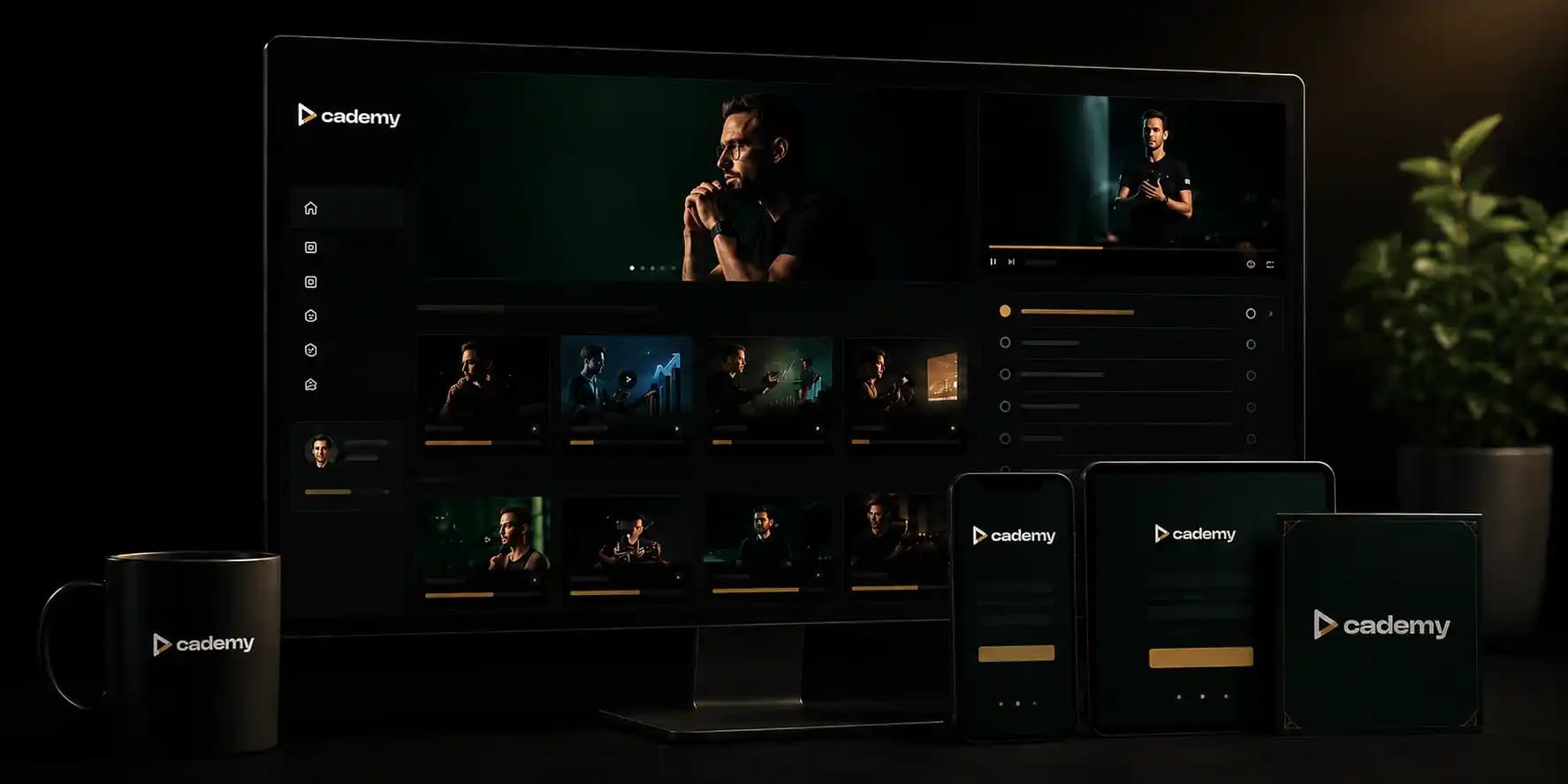
- Programs and modules
- Built-in player
- Custom domain
- Installable app
- AI tutor
Everything on your brand, from login to certificate.
Member area
- Programs, modules, and lessons with student progress
- Video player that accepts links and videos from other sites
- Custom domain and your brand identity
- Automatic enrollments after payment confirmation
On Start, you bring your own video (YouTube, Drive, or PandaVideo) and the Academy player plays your lessons. Video hosting comes with higher plans.
Ready to launch your school?
Start free on the Start plan — no card, no lock-in. Upgrade when you grow.
Secure checkout · Cancel anytime