
Live classes
The live session, inside your course.
A live class is a lesson type like the others. Students see the date, join with the lesson button and, afterwards, watch the recording in the same place.
- Zoom and Google Meet
- Entry 15 min early
- Replay in the same lesson
For the student
Joining takes one click, at the right time.
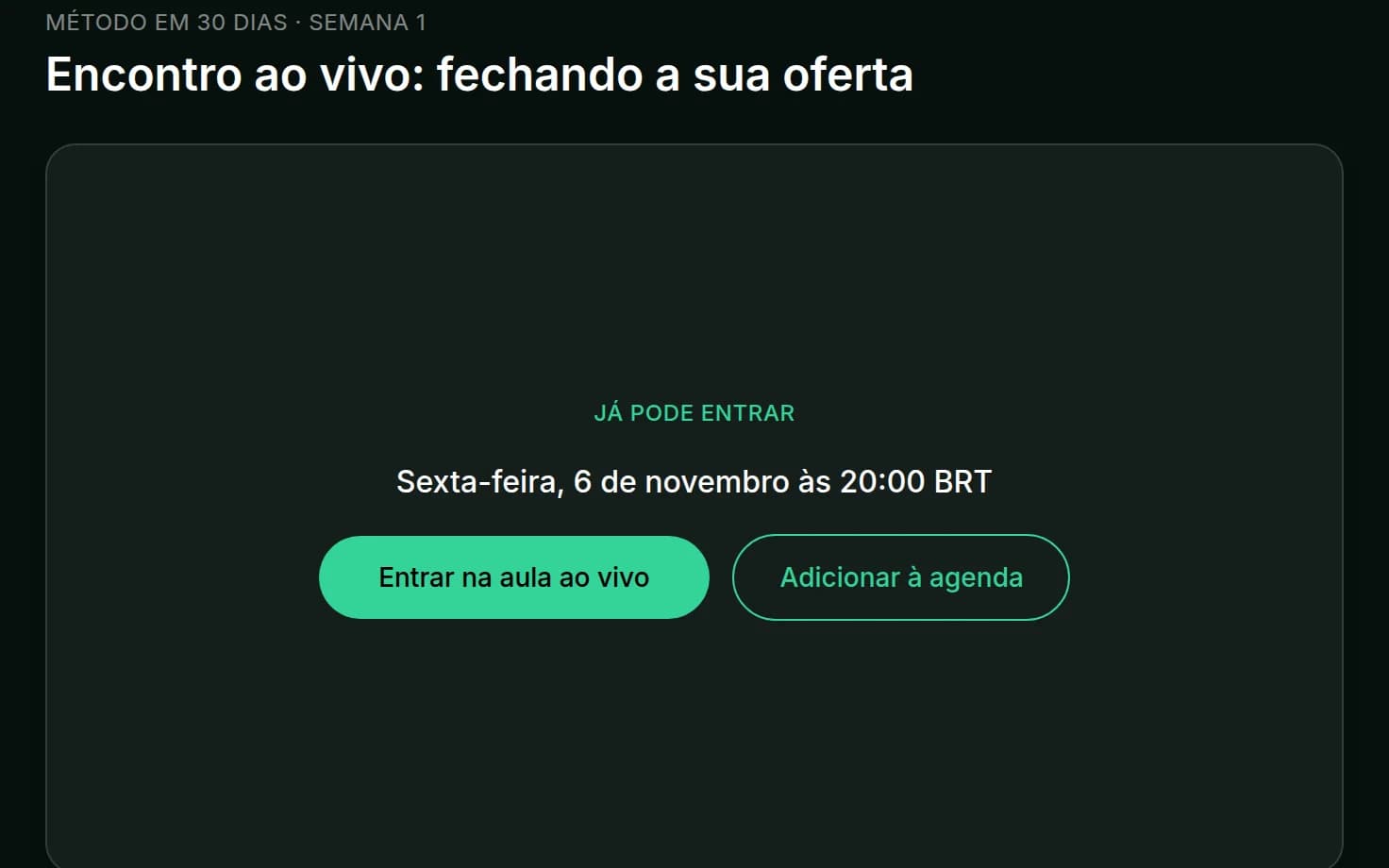
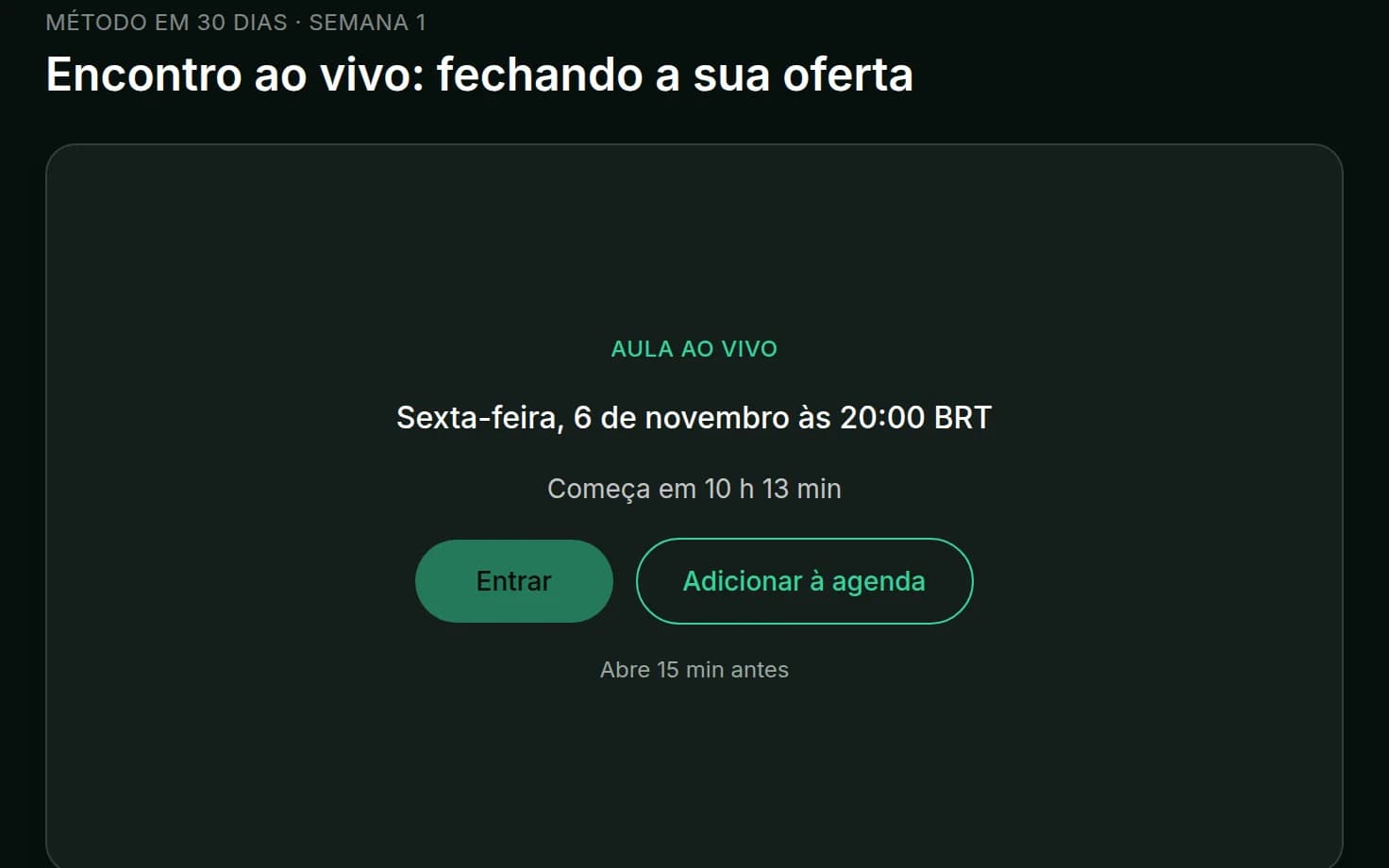
The lesson shows the date, the countdown and the state of the session. Students do not have to hunt for a link in their email.
- The countdown shows until the entry window opens.
- The Join button unlocks 15 minutes before the start and works until the end of the class.
- During the session, the lesson shows Live now.
- Add to calendar downloads a calendar file (.ics) for the lesson, without the room link.
- The room link only arrives when the student clicks Join, after enrollment and lesson release are checked. It is never written on the page.
- If the link has not been published yet, the lesson says to come back shortly.
Create the room
Zoom, Google Meet or the link you already use.
You choose where the class happens when you set the date and duration.
Zoom
Each school connects its own Zoom account, under Settings, Integrations. Academy creates the meeting or webinar and updates it when you reschedule. With registration, each student joins through a personal link.
Google Meet
Connect Google Calendar under Growth, Settings, Calendar and reminders. Academy creates the room in your calendar and nobody is invited by Google: the student joins with the lesson button. It needs Growth enabled.
Another link
Paste the address of any room, as long as it starts with https. It works for the platform you already use, and the link can wait.
After the class
The recording becomes a lesson.
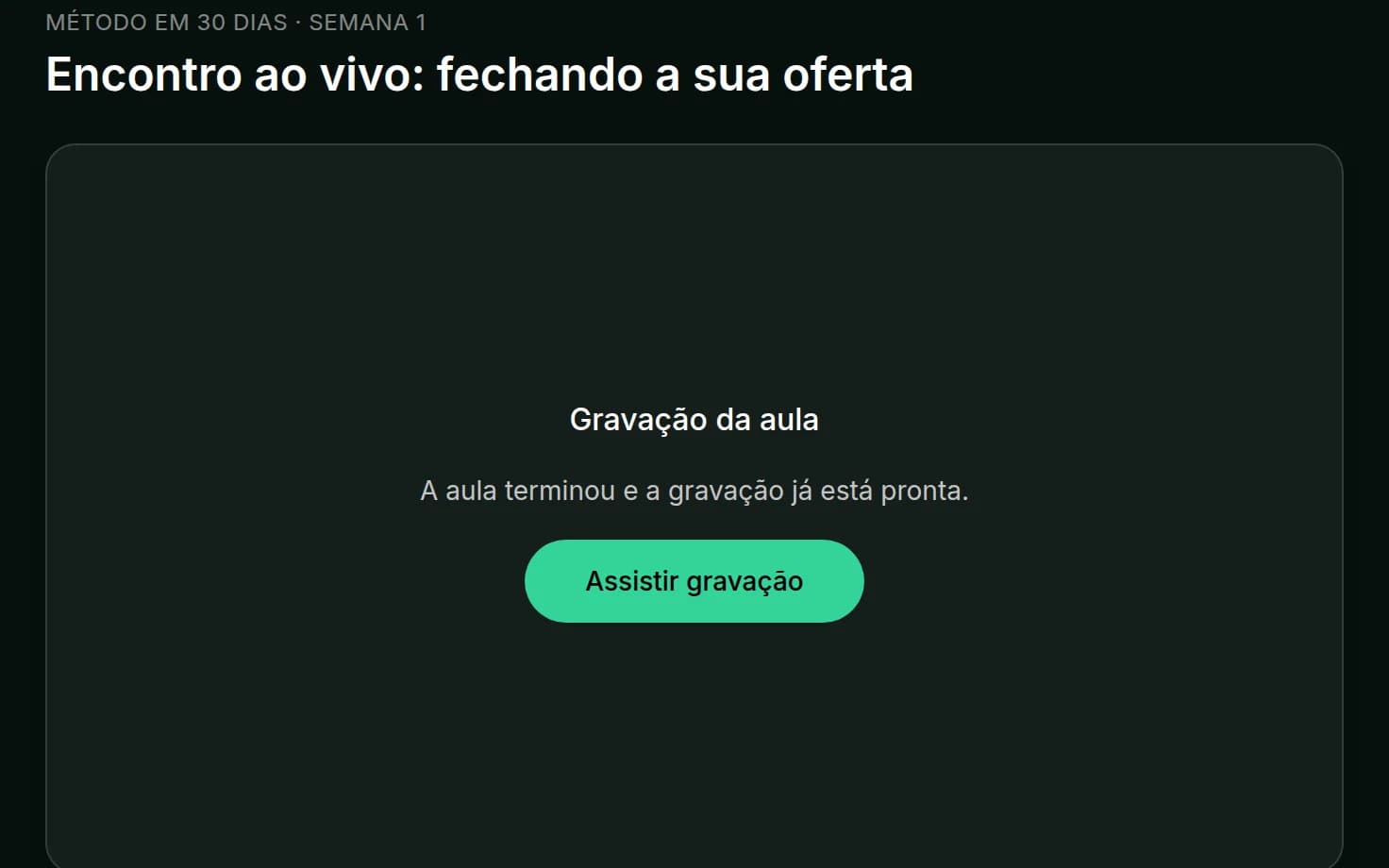
When the session ends, the same lesson starts showing the replay. Students do not look for the recording elsewhere.
Video in the lesson itself
If you paste the video into the lesson, it becomes the replay as soon as the session ends.
Zoom cloud recording
With Zoom connected, when the cloud recording is ready the Watch recording button appears in the lesson. It applies when the lesson has no video of its own.
Google Meet and other links
Meet does not send the recording to Academy. Paste the replay video into the lesson after the session.
While the recording is on its way
The lesson says the class has ended and that the recording appears when it is ready.
Events calendar
Events that show up in the students' area.
For sessions that are not a lesson in the course, use the Events page in the dashboard. Each event has a date, a place and a link.
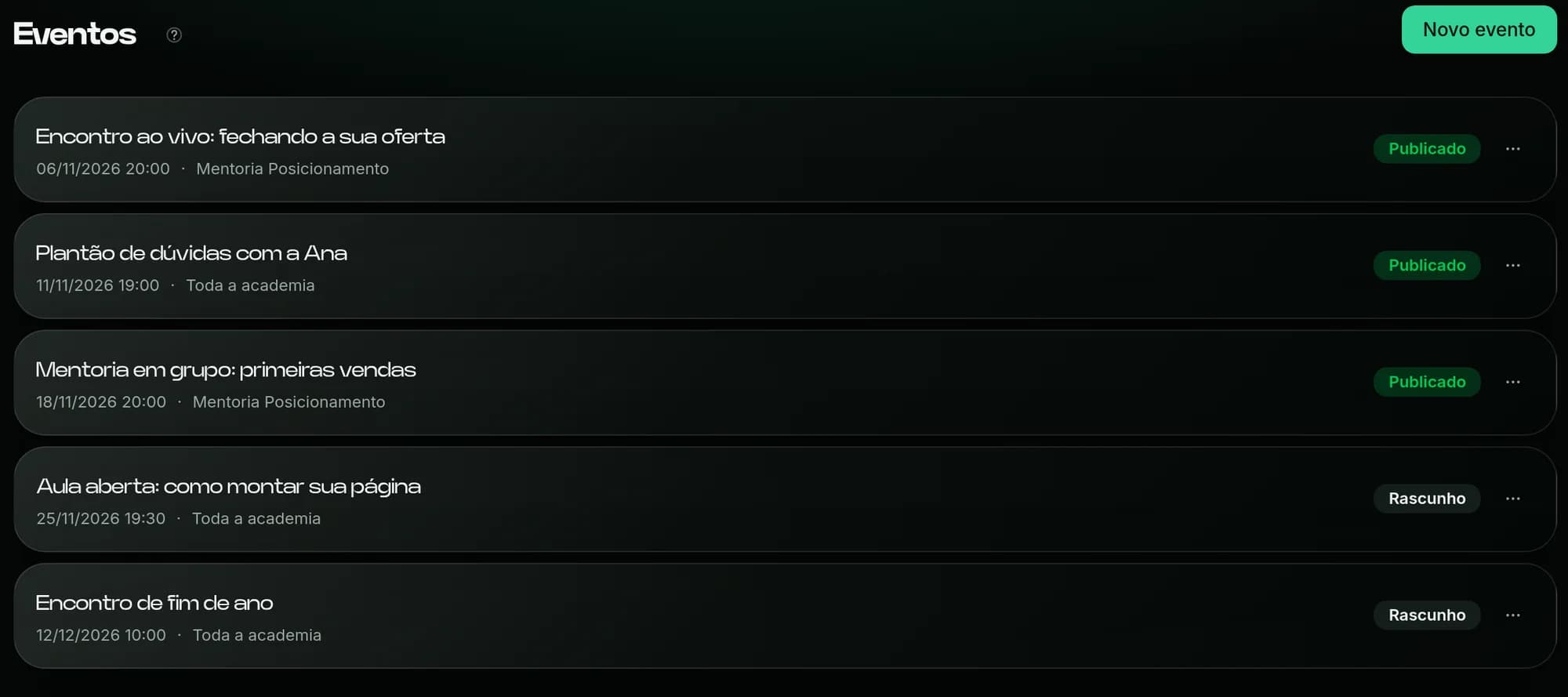
- Title, start, end, place, link and description.
- Status published, draft or canceled. Only published events show for students.
- For the whole school or for one member area. Students see the general ones and those of the areas they can access.
- Events reach the area through the Agenda, Next event and Calendar blocks, which you add in the area editor.
- Create, edit and delete right in the dashboard.
Plans
What each plan includes.
Each feature depends on the school's plan.
Live class with a pasted link
All plans.
Connected Zoom
Campus and Legacy.
Events calendar
Legacy.
Frequently asked questions
Questions about live classes
When can the student join?
From 15 minutes before the start until the end of the class, and only people with access to it.
Can I use a platform other than Zoom and Meet?
Yes. Paste the room link, as long as it starts with https.
Does the replay appear in the lesson on its own?
With Zoom connected and cloud recording on, yes, when the lesson has no video of its own. With Meet or another link, you paste the video after the session.
Can a student without access get the room link?
No. The link is only delivered to people who have access to the lesson and whose release date has passed, at the moment they click Join.
Does Academy remind the class before the session?
Students can add the lesson to their calendar with a calendar file. To call the class, use the school notices.
Is a calendar event the same as a live class?
A live class lives inside a module, with a replay and the course access. An event is a calendar item with a date, a place and a link, with no replay.
Schedule your first live session.
Create the school, add a live class to a module and choose where it happens.
Start on the Start plan, with no monthly fee.